How to Set Up Your Google Business Profile – A Complete Step-by-Step Guide
- Dec 12, 2025
- 3 min read
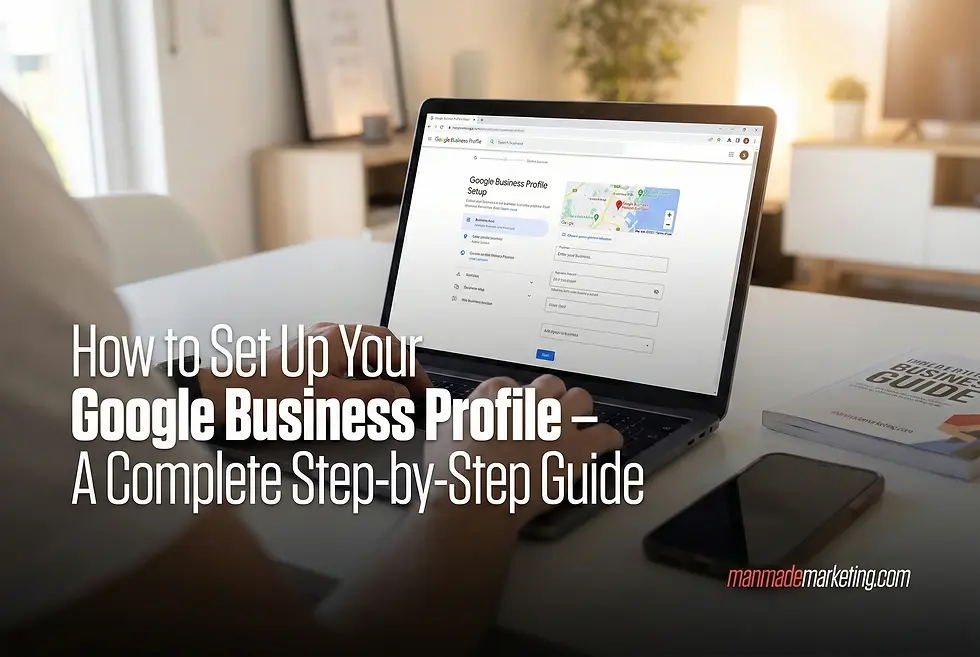
Whether you're a small business owner in Dubai, a service provider in Abu Dhabi, or a retail shop in Sharjah, having a strong online presence is non-negotiable in 2025. One of the most crucial steps? Setting up your Google Business Profile (formerly Google My Business). This free tool is your digital storefront, appearing whenever potential customers search for your business or services in your area.
In this comprehensive guide, we'll walk you through exactly how to set up your Google Business Profile, verify your business, and optimize it for maximum visibility.
What Is a Google Business Profile?
Your Google Business Profile is a free listing that displays your business information directly in Google Search results and Google Maps. When someone in the UAE searches for “best plumber near me” or “marketing agency Dubai,” your profile could appear right at the top, complete with your location, hours, reviews, and contact information.
Why a Google Business Profile Matters for Your UAE Business
• Increases local visibility - 76% of mobile searches with local intent visit a store within 24 hours.
• Builds trust - Reviews and ratings increase credibility.
• Free marketing - No monthly fees or subscription.
• Reduces customer confusion - Ensures your business info is always accurate.
• Analytics insights - Learn how customers discover and interact with your business.
Step-by-Step Guide to Set Up Your Google Business Profile
Step 1: Visit Google Business Profile
Go to google.com/business and sign in using your Google account. If you don’t have one, create it first.
Step 2: Enter Your Business Name
Type your business name exactly as it appears on your signage or documents.
Correct: Al Noor Dental Clinic Dubai
Incorrect: Noor Dental or Al Noor Clinic

Google will check if your business already exists so you can claim it if needed.
Step 3: Add Your Business Address
Provide your complete UAE address, including:
• Street
• Building/Villa number
• Area/Emirate
• Postal code (if applicable)

Ensure the address matches your trade license.
Step 4: Choose Your Service Area
Option A: Service Area Only- choose this if you visit customers at their location.
Option B: Physical Location- choose this if you have an office or storefront.

Step 5: Select Your Business Category
Pick the most accurate category such as:
Restaurant, Hair Salon, Medical Clinic, Real Estate Agency, Marketing Agency, etc.

This helps Google show your listing for relevant searches.
Step 6: Add Contact Information
Provide:
• Phone number
• Website URL
• Business email

Step 7: Verify Your Business
Google needs to confirm your ownership. Methods include:
• Postcard verification (most common)
• Phone verification
• Email verification

Select whichever option is available for your business.
Step 8: Complete Your Profile
After verification, add the following:
• Business hours
• Business description (100–750 characters)
• High-quality photos
• Attributes like delivery, WiFi, wheelchair access, etc.
How to Optimize Your Google Business Profile
Use local keywords in your description
Example: Plumbing Services in Dubai Marina – 24/7 Emergency Repairs
Publish posts regularly
Add offers, updates, and events to stay active in Google’s eyes.
Respond to all reviews
Engage professionally with positive and negative feedback.
Upload high-quality, real photos
These outperform stock images.
Keep business hours updated
Especially during holidays.
Add call-to-action buttons
Enable Call, Book, Order, or Message.
Common Mistakes to Avoid
• Using multiple or outdated phone numbers
• Writing vague business descriptions
• Ignoring customer reviews
• Uploading blurry or irrelevant photos
• Incorrect business hours
How Man Made Marketing Can Help
Setting up your Google Business Profile is only the first step. To truly dominate local search in the UAE, you need a strong optimization strategy.
We offer:
• Profile optimization for maximum visibility
• Review and reputation management
• Location-focused content strategy
• Advanced local SEO to boost your presence on Google Search and Maps
If you're ready to increase foot traffic, inquiries, and customer trust, our team at Man Made Marketing can help your business stand out in Dubai, Abu Dhabi, Sharjah, and across the UAE.
Ready to improve your Google Business Profile visibility? Contact Man Made Marketing today for a complete profile audit and customized local SEO strategy.


Comments